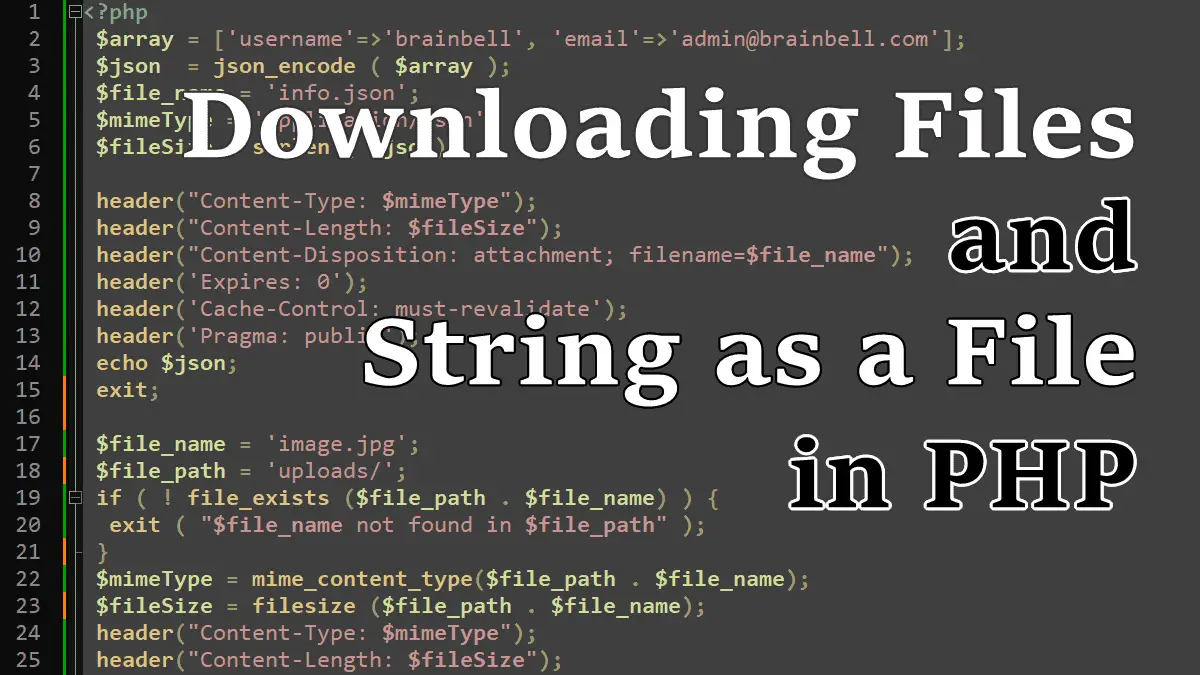
The following code reads an image file and sends it to the web browser for download.
<?php
 $file_name = 'image.jpg';
 $file_path = 'uploads/';

 if ( ! file_exists ($file_path . $file_name) ) {
  exit ( "$file_name not found in $file_path" );
 }

 $mimeType = mime_content_type($file_path . $file_name);
 $fileSize = filesize ($file_path . $file_name);

 header("Content-Type: $mimeType");
 header("Content-Length: $fileSize");
 header("Content-Disposition: attachment; filename=$file_name");
 header('Expires: 0');
 header('Cache-Control: must-revalidate');
 header('Pragma: public');
 readfile($file_path . $file_name);
 exit;
When a PHP script shall return a (downloadable) file instead of HTML, the correct HTTP headers have to be sent:
File download-related headers:
Content-Dispositionfor the (proposed) name of the fileContent-Lengthfor the file sizeContent-Typefor the MIME type of the file
Cache-related headers:
See ietf standards related to cache headers https://www.ietf.org/rfc/rfc2616.txt.
Expires: 0the date/time after which the response is considered stale. A stale cache entry may not normally be returned by a cache.Cache-Control: must-revalidate: cache must not use the entry after it becomes stale to respond to a subsequent request without first revalidating it with the origin server.Pregma: publiccache setting for internet explorer.
The readfile() function opens a file and directly outputs its contents, so you don’t need to use the print or echo to output content.
Sending a String as a File
You can respond with a file that does not exist on the server, such as a TXT, CSV, or a JSON generated on the fly from a string:
Example: Sending a string as a text file:
<?php
 $str = 'This text will be written in the downloaded file';
 $file_name = 'text-file.txt';
 $mimeType = 'text/plain';
 $fileSize = strlen ( $str );

 header("Content-Type: $mimeType");
 header("Content-Length: $fileSize");
 header("Content-Disposition: attachment; filename=$file_name");
 header('Expires: 0');
 header('Cache-Control: must-revalidate');
 header('Pragma: public');
 echo $str;
 exit;
Example: Sending a string as a JSON file:
<?php
 $array = ['username'=>'brainbell', 'email'=>'admin@brainbell.com'];
 $json  = json_encode ( $array );
 $file_name = 'info.json';
 $mimeType = 'application/json';
 $fileSize = strlen ( $json);

 header("Content-Type: $mimeType");
 header("Content-Length: $fileSize");
 header("Content-Disposition: attachment; filename=$file_name");
 header('Expires: 0');
 header('Cache-Control: must-revalidate');
 header('Pragma: public');
 echo $json;
 exit;
Working with Files in PHP:
- Returning or Downloading Files with an HTTP Request
- Reading a File into a String or Array
- PHP Opening and Closing Files
- Reading files by line or by character
- Writing and appending to files
- Reading and Writing CSV Files
- Parsing INI Files and Strings
- Check File Type (whether a file is a directory or a file)
- Understanding file Permissions in PHP
- Reading Information About Files in PHP
- Copying, Moving and Deleting Files in PHP
- Reading Directories Contents in PHP
- Browse directories recursively
- Zipping and Unzipping a File with Zlib and Bzip2
- Zip and Unzip Archives with ZipArchive
- Using Relative Paths for File Access
