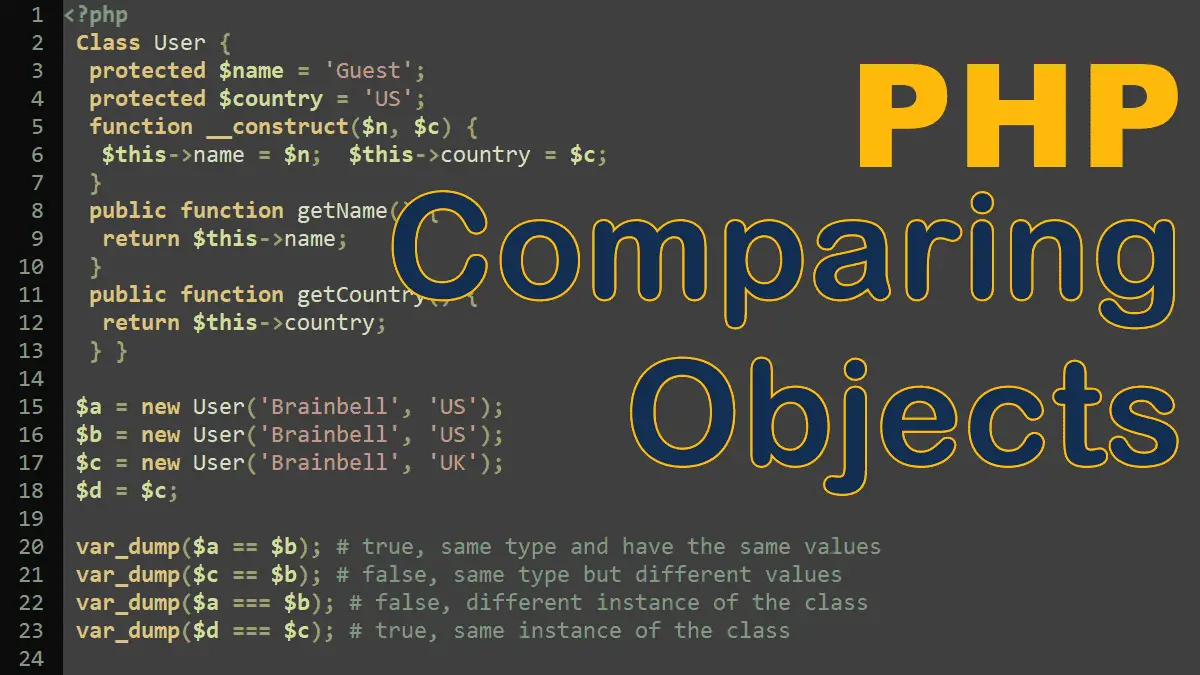
You can use the various comparison operators PHP makes available on objects, but their behavior is worth noting. Let’s take a closer look at the behavior of the comparison == and identical === operators in the context of objects:
- Comparison operator
==
This works on objects by making sure that both objects are of the same type and have the same values for their member data. If either of these is not true, the operator evaluates toFALSE.
<?php
 Class User {
  protected $name = 'Guest';
  protected $country = 'US';
  function __construct($n, $c) {
   $this->name = $n;
   $this->country = $c;
  }
  public function getName() {
   return $this->name;
  }
  public function getCountry() {
   return $this->country;
  }
 }

 $a = new User('Brainbell', 'US');
 $b = new User('Brainbell', 'US');
 $c = new User('Brainbell', 'UK');

 var_dump($a == $b); # bool(true)
 # same type and have the same values

 var_dump($c == $b); # bool(false)
 # same type but different values
- Identity operator
===
This works on objects by indicating if the two objects being compared are the same instance of the class. Otherwise, it evaluates toFALSE.
<?php
 // ...
 $a = new User('Brainbell', 'US');
 $b = new User('Brainbell', 'US');

 var_dump($a == $b);  # bool(true)
 # same type and have the same values

 var_dump($a === $b); # bool(false)
 # different instance of the class

 $c = $b;

 var_dump ($c === $b);
 # the same instance of the class
For more information, visit https://php.net/manual/language.oop5.object-comparison.php.
PHP OOP Tutorials:
