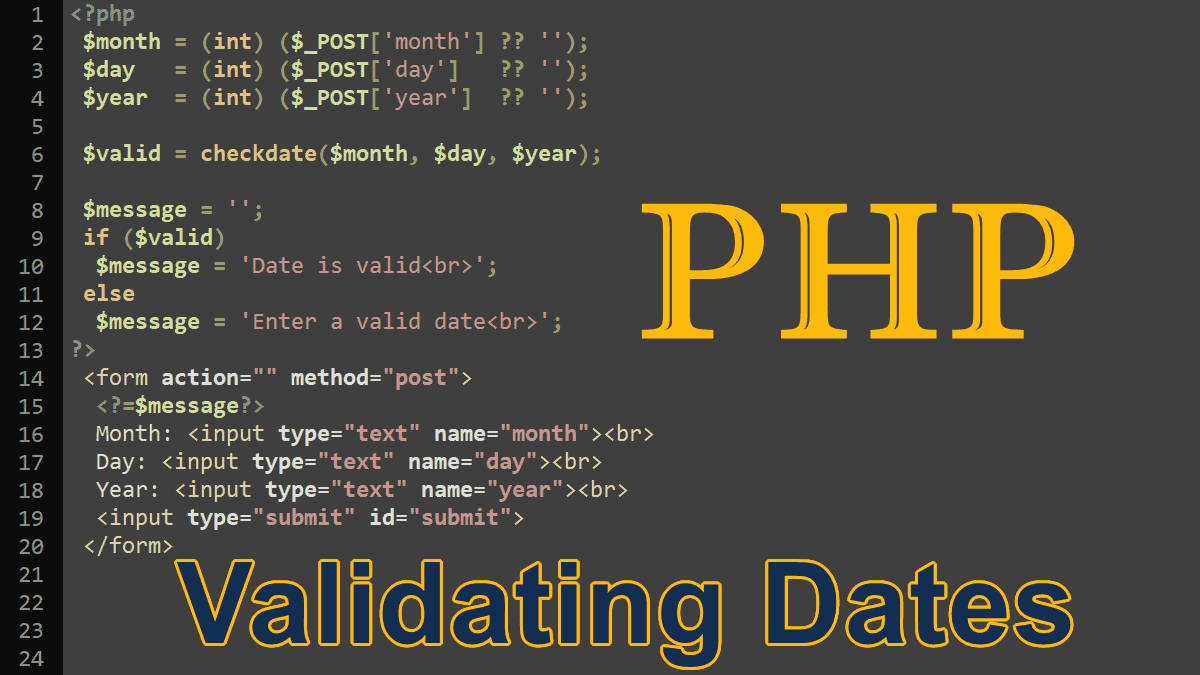
When you get a date from an untrusted source, for example from a web form, you must validate that data. This includes checking whether the month exists and if the month has enough days. If it’s February, you might also want to find out whether it is a leap year. The checkdate() function is smart enough to know which year is the leap year and there are only 30 days in June, etc.
checkdate()
<?php
 //syntax
 checkdate(int $month, int $day, int $year): bool
This function takes three parameters:
$month: between 1 and 12$day: within the allowed number of days for the given month$year: between 1 and 32767
The checkdate() function returns TRUE if the date given is valid; otherwise returns FALSE. This function isn’t based on the timestamp and it can accept a larger range of dates (1 to 32767). It automatically accounts for leap years.
<?php
 # Jan 01, 1066
 $v = checkdate(1, 1, 1066);
 var_dump( $v ); # true

 # Bad date: 13Month 01, 1996
 $v = checkdate(13, 1, 1996);
 var_dump( $v ); # false
The following example demonstrates how to validate date fields in an HTML form. See, how ?? and (int) works: null coalescing operator (?? double question marks) and type casting.
<?php
 $month = (int) ($_POST['month'] ?? '');
 $day   = (int) ($_POST['day']   ?? '');
 $year  = (int) ($_POST['year']  ?? '');

 $valid = checkdate($month, $day, $year);

 $message = '';
 if ($valid)
  $message = 'Date is valid<br>';
 else
  $message = 'Enter a valid date<br>';
?>

 <form action="" method="post">
  <?=$message?>
  Month: <input type="text" name="month"><br>
  Day: <input type="text" name="day"><br>
  Year: <input type="text" name="year"><br>
  <input type="submit" id="submit">
 </form>
You can also use the strtodate() function to validate a date, this function returns false if it fails to parse the date, visit: Generating Timestamps.
The Date and Time Tutorials:
- PHP DateTime Class
- PHP DateTimeZone Class – times in different countries
- PHP DateInterval Class – adds or subtracts dates/times
- PHP DatePeriod Class – generates date or time ranges
- PHP Validating Age and Date of Birth
- Sunset, Sunrise, Transit, and Twilight
- Localizing Dates
- Localizing Dates with IntlDateFormatter Class
