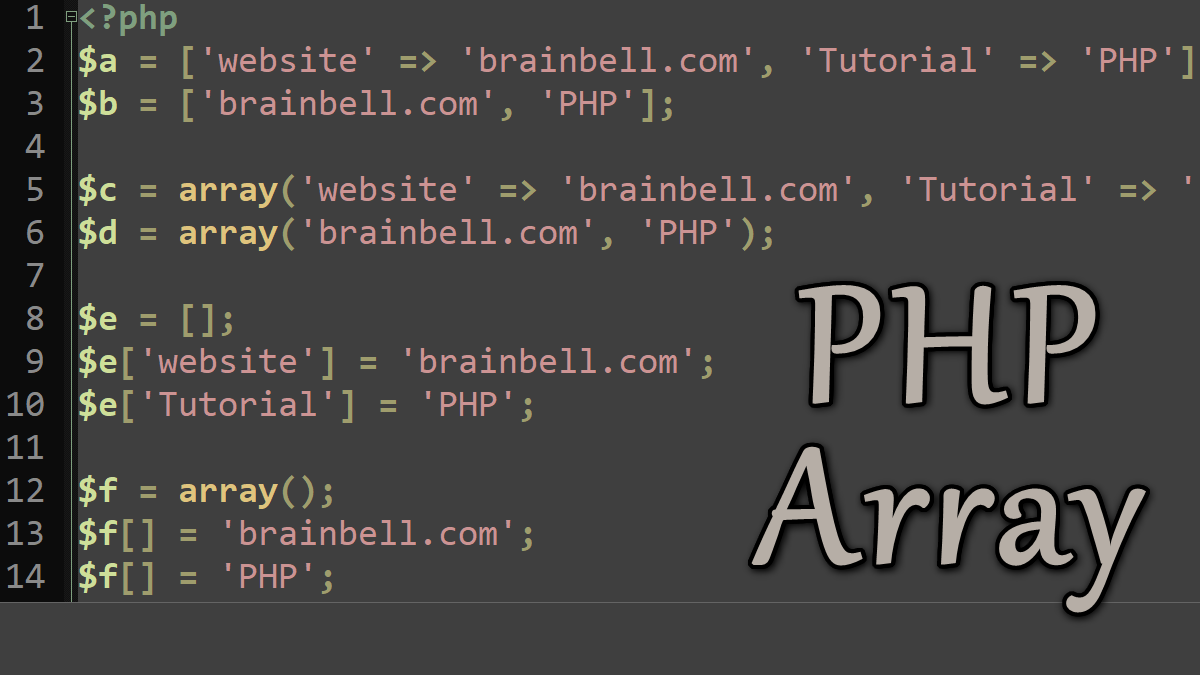
In PHP, an array can hold scalar values (integers, Booleans, strings, or floats) or compound values (objects) and even other arrays, and can hold values of different types. In this tutorial, we show how arrays are constructed.
Numerical Arrays
PHP provides the array( ) language construct that creates arrays. You can also use the short array syntax which replaces array() with []. The following examples show how an array can be constructed and assigned to variables for later use:
<?php
//Create array with Array construct
$a = array(5, 4, "Web", "Database");

//Create array with short array syntx
$b = ['MySQL', 'JavaScript', 'PHP'];

// Print the third element from the array
echo $a[2]; //Web
echo $b[2]; //JavaScript

// Print the first element from the array
echo $a[0]; //5
echo $b[0]; //MySQL
The third method to create an array is adding values successively to an array using the variable name and square brackets:
<?php
$newArray[] = "Potatoes";
$newArray[] = "Carrots";
$newArray[] = "Spinach";
$newArray[] = "Tomatoes";

echo $newArray[0]; //Potatoes
echo $newArray[1]; //Carrots
By default, the index for the first element in an array is 0. The values contained in an array can be retrieved and modified using the bracket [ ] syntax. The following code fragment illustrates the bracket syntax with an array of strings:
<?php
//
$newArray[0] = "Potatoes";
$newArray[1] = "Carrots";
$newArray[2] = "Spinach";

//Replace the third element
$newArray[2] = "Tomatoes";
Note: If two or more array elements use the same key, only the last one will be used as all others are overwritten
Numerically indexed arrays can be created to start at any index value. Often it’s convenient to start an array at index 1, as shown in the following example:
<?php
$numbers = array(1 => 'one', 'two', 'three);
//or
$numbers = [1 => 'one', 'two', 'three'];
//or
$numbers[1] = 'one';
$numbers[] = 'two';
$numbers[] = 'three';
Arrays can also be sparsely populated, such as:
<?php
$oddNumbers = array(1 => 'one', 3 => 'three', 5 => 'five');
//or
$oddNumbers = [1 => 'one', 3 => 'three', 5 => 'five'];
//or
$oddNumbers[1] = 'one';
$oddNumbers[3] = 'three';
$oddNumbers[5] = 'five';
An empty array can be created by assigning a variable with no parameters with array( ) or [ ]. Values can then be added using the bracket syntax. PHP automatically assigns the next numeric index (the largest current index plus one) when an index isn’t supplied. Consider the following example, which creates an empty array $errors and tests whether that array is empty at the end of the script. The first error added with $errors[] is element 0, the second is element 1, and so on:
<?php
$errors = []; //or array()
// later in the code ..
$errors[] = "Found an error";
// ... and later still
$errors[] = "Something went horribly wrong";
// Now test for errors
if (!empty($errors))
 print_r($errors);
/*
Following information will be displayed on the browser
Array ( [0] => Found an error [1] => Something went horribly wrong )
*/
Note: PHP provides the print_r( ) function, which print the value of an expression in a human-readable form, see Debugging with print_r( ) and var_dump( ).
Heterogeneous arrays
The values that can be stored in a single PHP array don’t have to be of the same type; PHP arrays can contain heterogeneous values. The following example shows the heterogeneous array $mixedBag:
<?php
$mixedBag = array("cat", 42, 8.5, false);
var_dump($mixedBag);
The function var_dump( ) displays the contents:
array(4) { [0]=> string(3) "cat"
           [1]=> int(42)
           [2]=> float(8.5)
           [3]=> bool(false) }
Associative Array
An associative array can use string indexes (or keys) to access values stored in the array. You can create an associative array by using the above-described methods; however, this time keys and values must be provided:
<?php
$a = ['website' => 'brainbell.com', 'Tutorial' => 'PHP'];
echo $a['website']; //brainbell.com

//or
$b = array('website' => 'brainbell.com', 'Tutorial' => 'PHP');
echo $b['Tutorial']; //PHP

//or
$c = []; //or $c = array();
$c['website'] = 'brainbell.com';
$c['Tutorial'] = 'PHP';

print_r($c);
//Array ( [website] => brainbell.com [Tutorial] => PHP )
Multidimensional or Nested Arrays
Arrays can also be nested, when an array element itself is an array:
<?php
$a = array(
  'Roman' =>
    array('one' => 'I', 'two' => 'II', 'three' => 'III'),
  'Arabic' =>
    array('one' => '1', 'two' => '2', 'three' => '3')
);

echo $a['Roman']['one'];  //I
echo $a['Arabic']['two']; //2;
Now, the Arabic representation of the number two can be accessed using $a['Arabic']['two']. Arrays are not only created within a script, but can also come from other sources, including HTML forms, cookies, and sessions.
Working with arrays:
