Two techniques can be used to pass data to your PHP applications. Using an HTML <form> and clicking on hypertext links are the most common techniques for providing user input in PHP applications.
- HTML Forms can capture textual (or binary) input, and input is made by selecting radio buttons, selecting one or more items from a drop-down select list, clicking on buttons, and through other data entry widgets.
- HTML links that can be clicked to retrieve a PHP script resource and provide parameters to the script.
In practice, user data or parameters are passed from a web browser to a web server using HTTP with one of two methods, GET or POST:
- In the
GETmethod, data is passed as part of the requested URL; theGETmethod gets a resource with the parameters modifying how the resource is retrieved. - In the
POSTmethod, the data is encoded separately from the URL and forms part of the body of the HTTP request. ThePOSTmethod is used when data need to be stored on the server.
The HTML <form> can specify either the GET or POST method, while an embedded link or a manually entered URL with query string parameters always uses the GET method.
Passing Data with URLs
The first technique that passes data from a web browser to a web server is the manual entry of a URL in a web browser. Consider an example user request with a parameter. In this example, the user types the following URL directly into the browser:
http://localhost/example.php?websitename=brainbell
The URL specifies that the resource to be retrieved is example.php with a query string (set off by ? a question mark) parameter of websitName=brainbell appended to the resource name.
The user then presses the Enter key to issue an HTTP request for the resource and the web browser uses the GET method that passes the parameter to the script. The query string parameter consists of two parts: a parameter name websiteName and a value for that parameter of brainbell.
More than one parameter can be passed with an HTTP GET request by separating each parameter with an ampersand & character. For example, to pass two parameters websiteName and category with the values brainbell and PHP, respectively, the following URL can be created:
http://localhost/example.php?websiteName=brainbell&category=PHP
Passing Data with Embedded Links
Another technique that passes data from a web browser to a web server is embedding links in an HTML document. Embedded links in an HTML document can be authored in the same way a manually created URL is typed into a web browser:
<html> <head> <title>BrainBell.com</title> </head> <body> <a href="example.php">Home</a><br> <a href="example.php?websiteName=brainbell"> BrainBell </a><br> <a href="example.php?websiteName=brainbell&category=PHP"> PHP in Brainbell </a><br> <a href="example.php?websiteName=brainbell&category=MySQL"> MySQL in BrainBell </a> </html>
Note that the ampersand characters & in the URLs in the HTML document are replaced with &, because the ampersand character has a special meaning in HTML and should not be included directly in a document. When the link is clicked, the encoded & is translated by the browser to & in forming the HTTP request.
Retrieving Data using $_GET Array
The HTML <form> specified with the GET method, an embedded link, and a manually entered URL always use the GET method. To access the GET method data in PHP, you use the $_GET superglobal array.
For example, to access the value of the parameter named websiteName, you write $_GET['websiteName']. Here’s how you might use it in example.php:
<?php
 $site = $_GET['websiteName'];
 $type = $_GET['category'];
If you try to retrieve a parameter that does not exist sent, you will trigger a PHP error. So, before you try to access a query string parameter, you have to be sure that the parameter is set using isset() or null coalescing operator:
<?Php
  if (isset ($_GET['websiteName']) )
   echo htmlentities ($_GET['websiteName']);
  else
   echo 'Home';

  if (isset ($_GET['category'] ) )
   echo ': '. htmlentities ($_GET['category']);
You also must encode the user input to prevent any code break in your application, we used htmlentities function to encode the user input.
Following is the complete code with the live demo for you to understand how the GET method and $_GET array works:
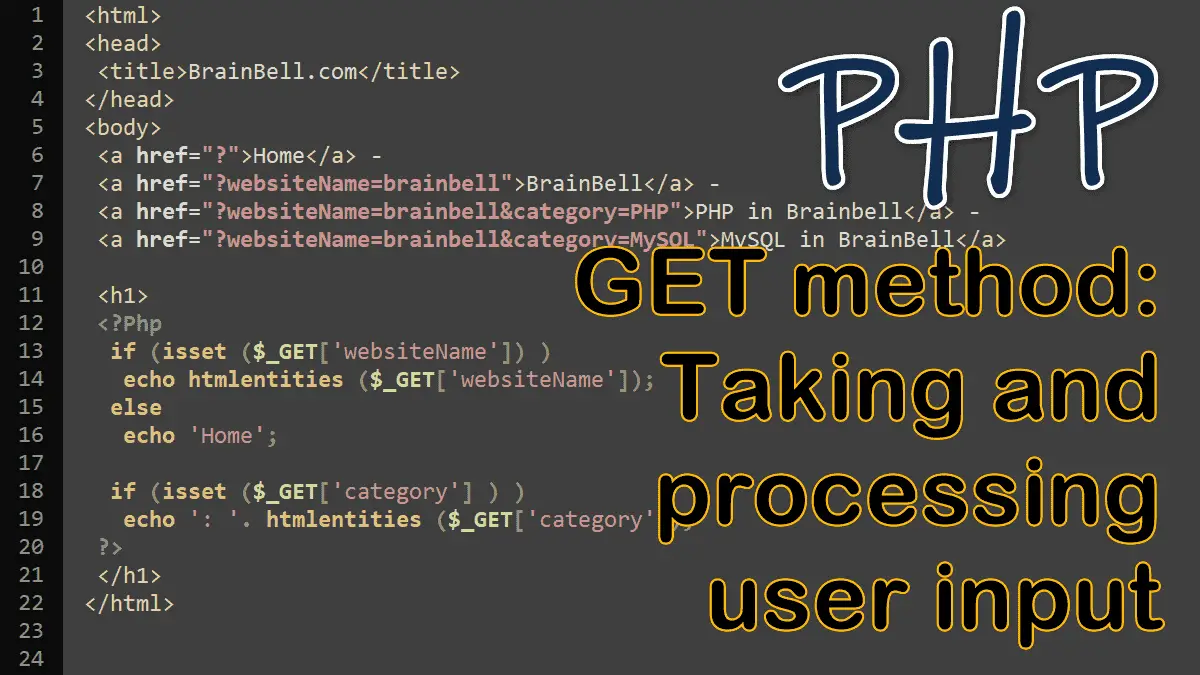
<html> <head> <title>BrainBell.com</title> </head> <body> <a href="example.php">Home</a> - <a href="example.php?websiteName=brainbell"> BrainBell</a> - <a href="example.php?websiteName=brainbell&category=PHP"> PHP in Brainbell</a> - <a href="example.php?websiteName=brainbell&category=MySQL"> MySQL in BrainBell</a> <h1> <?Php if (isset ($_GET['websiteName']) ) echo htmlentities ($_GET['websiteName']); else echo 'Home'; if (isset ($_GET['category'] ) ) echo ': '. htmlentities ($_GET['category']); ?> </h1> </html>
Demo
Click a link to see how the above code works
Processing Forms in PHP:
