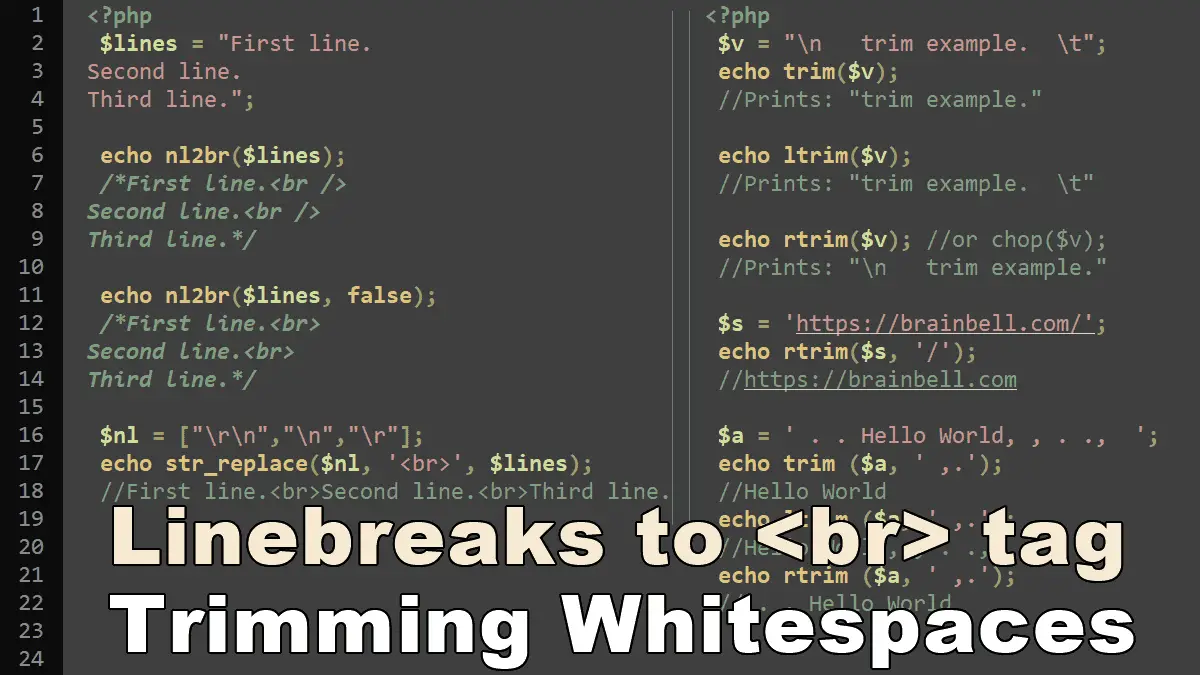
nl2br() function
<?php
 //Syntax
 nl2br(string $inputString, bool $use_xhtml = true): string
$inputString: The input string.$use_xhtml: The default setting istrue.nl2br( )inserts the XHTML compliant<br />tag when this argument is true, setfalseto insert<br>tag.
The nl2br( ) function generates a string by inserting the HTML break tag <br /> before all occurrences of the newline character in the input string. See example:
<?php
 $s = 'First line
Second line
Third line';

echo nl2br($s);
/*Prints:
First line<br />
Second line<br />
Third line
*/

echo nl2br($s, false);
/*Prints:
First line<br>
Second line<br>
Third line
*/
Replace newlines \r\n with <br> tag
The nl2br() function does not replace newlines (or linebreaks) with <br> (or <br />) tags, it just inserts a <br> tag before every newline. You can use str_replace() function if you need to replace (or remove) the newlines, see the following example:
<?php
 $lines = "line 1
line 2
line3";

$output = str_replace("\r\n", '<br>', $lines);
//line 1<br>line 2<br>line3
Note: Different operating systems use different escape sequences to represent a newline (or linebreak), for example:
- Windows uses the
\r\nescape sequence - Unix-based OSs use
\n - Mac OS uses
\r
To cover all operating systems, you must replace all escape sequences, see the following example:
<?php
 $lines = "line 1\rline 2\nline3\r\n";
 $nl = ["\r\n","\n","\r"];
 echo str_replace($nl, '<br>', $lines);
 //line 1<br>line 2<br>line3<br>
Trimming whitespaces
PHP provides three functions that trim leading or trailing whitespace characters from strings:
<?php
 //Syntax
 trim(string $string, string $characters = " \n\r\t\v\0"): string
 rtrim(string $string, string $characters = " \n\r\t\v\0"): string
 ltrim(string $string, string $characters = " \n\r\t\v\0"): string
- The
trim( )function removes both leading and trailing whitespace characters. - The
ltrim( )function removes leading whitespace characters. - The
rtrim( )function removes trailing whitespace characters.
Thechop ( )function is the alias of rtrim().
The following list shows whitespace characters and how they are represented in PHP:
- “
\0null\ttab\vvertical tab\nnewline\rcarriage return
The trim() function helps you clean up a string by removing excess whitespace from the beginning and end of the string. The following example shows the effect of this function:
<?php
 $v = "\n   trim example.  \t";
 echo trim($v);
 //Prints: "trim example."
The ltrim() and rtrim() functions work similar to trim() function, except ltrim() only trims the left side of a string and the rtrim() function trims the right side of the string. The following example shows the effect of each:
<?php
 $v = "\n   trim example.  \t";

 echo ltrim($v);
 //Prints: "trim example.  \t"

 echo rtrim($v); //or chop($v);
 //Prints: "\n   trim example."
If you want to remove characters other than whitespace, you can list all characters in the second optional $characters argument.
Example: Remove trailing slash from a string
<?php
 $s = 'https://brainbell.com/';
 echo rtrim($s, '/');
 //https://brainbell.com
Example: Remove spaces, commas, and dots
<?php
 $a = ' . . Hello World, , . .,  ';
 echo trim ($a, ' ,.');
 //Hello World

 echo ltrim ($a, ' ,.');
 //Hello World, , . .,

 echo rtrim ($a, ' ,.');
 // . . Hello World
Working with Strings:
