Create a new Flash document using Flash Professional 8. Make sure your computer is connected to the Internet.
Open the Web Services panel (Window > Other Panels > Web Services), and click Define Web Services.
In the Define Web Services dialog box that appears, click Add Web Service (+), and then click the highlighted line to edit it.
Enter the URL
http://www.flash-mx.com/mm/tips/tips.cfc?WSDLand click OK.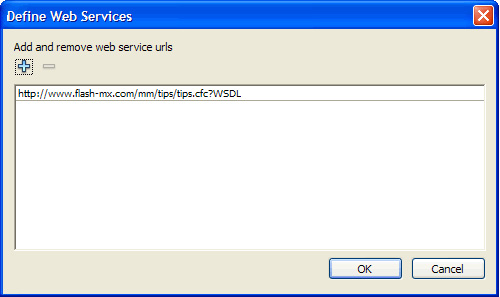
In the Web Services panel, inspect the methods, parameters, and results of the Macromedia Tips web service.
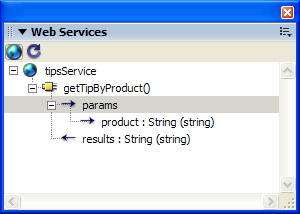
The web service has one method, called getTipByProduct(). This method accepts a single parameter called product. The parameter is a string that tells the web service what Macromedia product you want to see a tip for. In the next step, you bind this parameter with a ComboBox instance in your application.
Right-click the getTipByProduct() method, and select Add Method Call from the context menu.
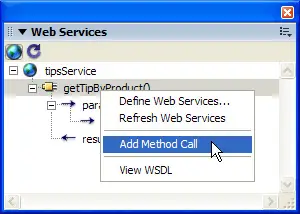
An instance of the WebServiceConnector component is added to the Stage.
In the Property inspector, enter the instance name tips_wsc.
The component is now configured and on the Stage. You can place the component anywhere on or off the Stage-it is invisible when you run the application.
Connect to a public web service
Define a web service in Flash that will connect to a public web service.
by updated
